
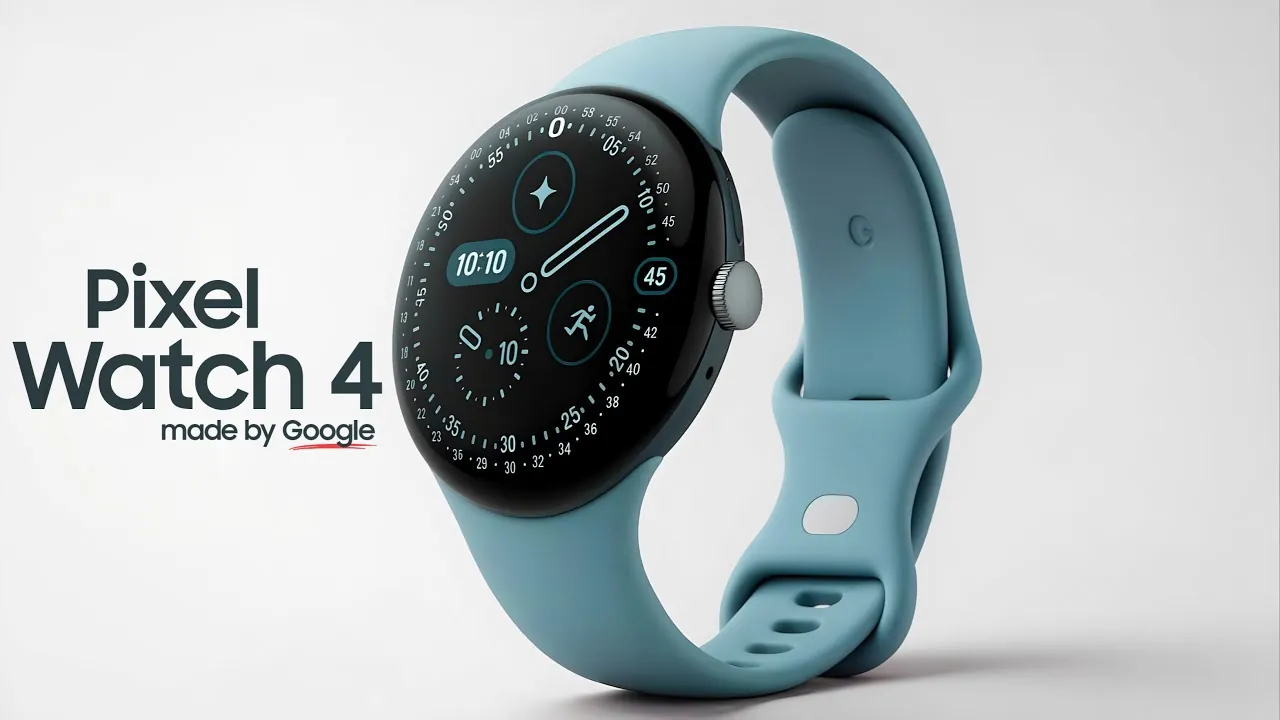
Google Pixel Watch 4 has just announced new hand-gestures, and from now, it will be possible to click photos on your watch by pinching: no need to touch your hand or even take your phone out from your pocket-all this can be done on the watch.
To accomplish this, the 'Double pinch' gesture is there: simply tapping your fingers (or more specifically index finger + thumb) together two times.
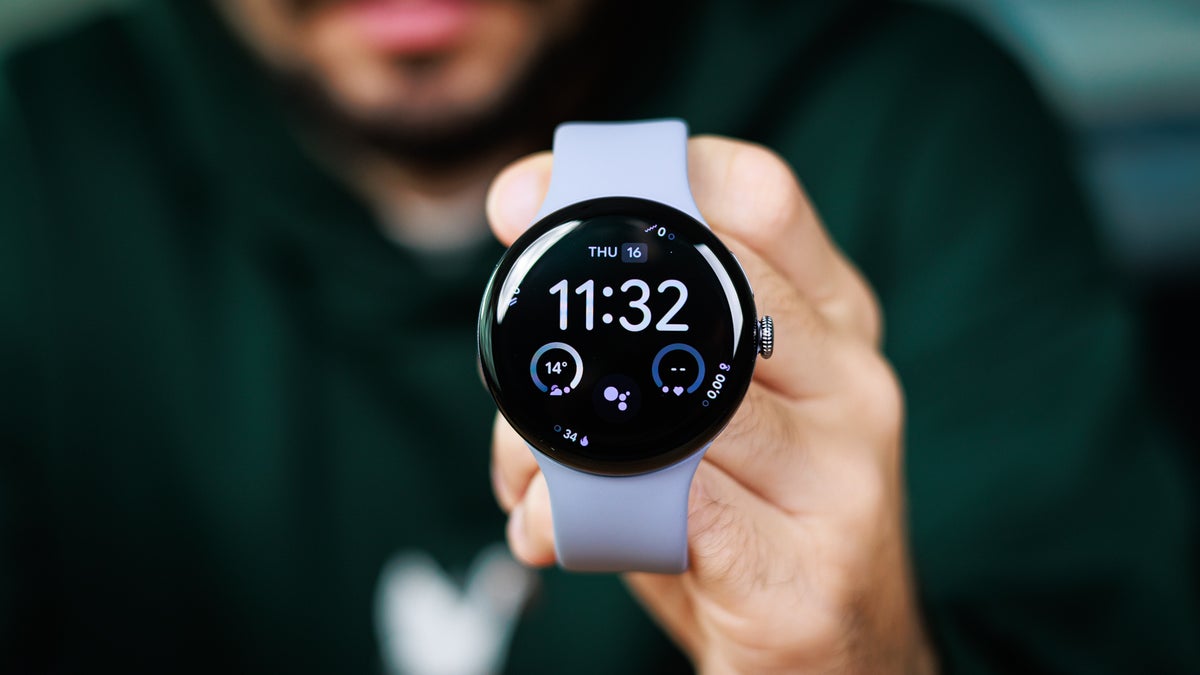
What the New Gestures of Google Pixel Watch 4 Are Capable of Doing
Also, there is a new gesture called Wrist turn (turn of hand quickly) on this new upgrade aside from Double Pinch. With the new update, the following actions can be done:
* Take photo (Double pinch on Camera app)
* Start/Stop video recording (Double pinch)
* Stop/Snooze alarm/timer (Double pinch)
* Play/Pause music (Double pinch)
* Control notifications, calls, messages, smart replies, etc. (Double pinch + Wrist turn)
Why this gesture function is significant
* Easy to work with when your hands are busy: Let us say you're active with your hands or maybe in your kitchen preparing a meal, and maybe you're even holding something hefty; it might not be possible to tap any screen at that moment. With double pinch gesture, you just can take a photo — without touching the screen.
* Super fast and convenient: Pinch gesture takes little time, and gets rid of the hassle of taking out a phone and opening the camera.
* Hands-free smartwatch operations: The whole operation of the smartwatch can be apart from a phone. But it lets you carry on with this one feature.
How to Use
1. That said, your Google Pixel Watch 4 should be using Wear OS version 6.1 or above.
2. In fact, Gestures are by default on. You can disable that under Settings.
3. After the first update, your Google watch would give a tutorial where you may learn how to use Gestures.
In short
Gesture or double-pinch updates on the Pixel Watch 4 have turned the watch into a much smarter, faster, and more comfortable piece of technology. Just pinch a finger over a smart photo, control music or pause a timer or alarm, and use it to manage notifications or calls with either a pinch or wrist turning.
This feature of Google Pixel Watch is very important, especially for people who have their hands doubly busy - in the kitchen, driving, or with hand bags, or doing anything which wouldn't work well at tapping through one hand.
Follow our WhatsApp channel for the latest news and updates
