
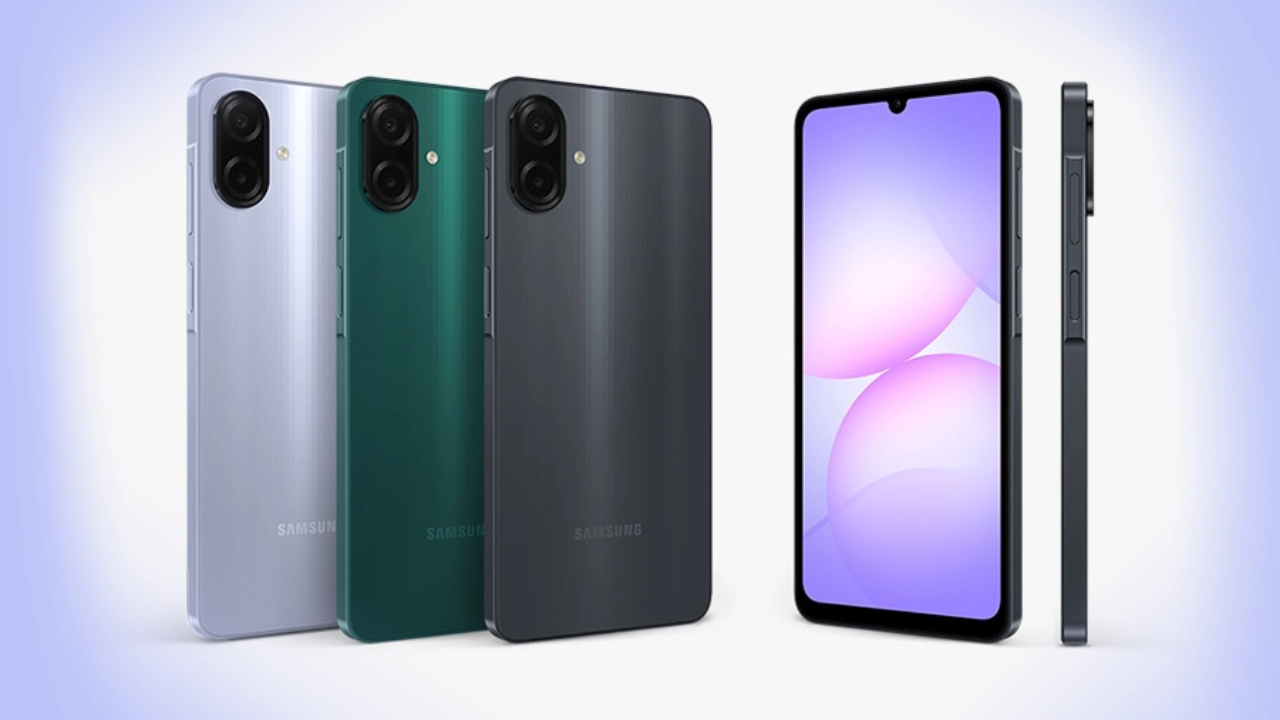
Internet slowness is a regular complaint of smartphone users. And Samsung Android phone owners complain that the Internet is slow, even when the networks are excellent; but, it sure has that very private setting on Samsung Phones that can boost Internet speed like never before.
Thus, in all cases, the functions are very innocent and harmless as per how it increases a phone's performance, and that function flies under the radar of almost all general users.
The Speedier Internet Using This Secret Setting On The Samsung Phones. Private DNS is that setting present in all Samsung Android phones that reduce the response time for Internet connection.Thus websites will load faster for all users.

Advantages of Private DNS over Normal One:
* Web pages load quickly
* Less buffering during live feeds
* Lesser latency for gamers
How To Activate Private-DNS On Samsung Phones
So start with these:
1. First, enter Settings
2. Then, tap on Connections;
3. After that, select the Private DNS option;
4. Under Private DNS provider hostname, enter either dns.google or one.one.one.one;
5. Finally, click on the Save button.
These settings can improve the experience on your phone when it restarts.
Advantages of Enabling These Settings
After that, the internet speed will be quicker than previously.
The loading speed of websites and applications will speed up.
YouTube and Facebook videos buffering would reduce.
Maybe lesser ping on online gaming.
Minor enhancement in security and privacy.
Good for people who are more on mobile data.
Does This Secret Setting Work on All Samsung Phones?
Yes, it works on most Samsung Galaxy phones running Android 9 and above. Examples of such phones include:
Samsung Galaxy A series
Samsung Galaxy S series
Samsung Galaxy M series
Conclusion
So if you cry slow Internet on your Samsung Android phone, turn on private DNS, and the difference in Internet speed should catch you in just a few seconds, all without an application.
Follow our WhatsApp channel for the latest news and updates
