

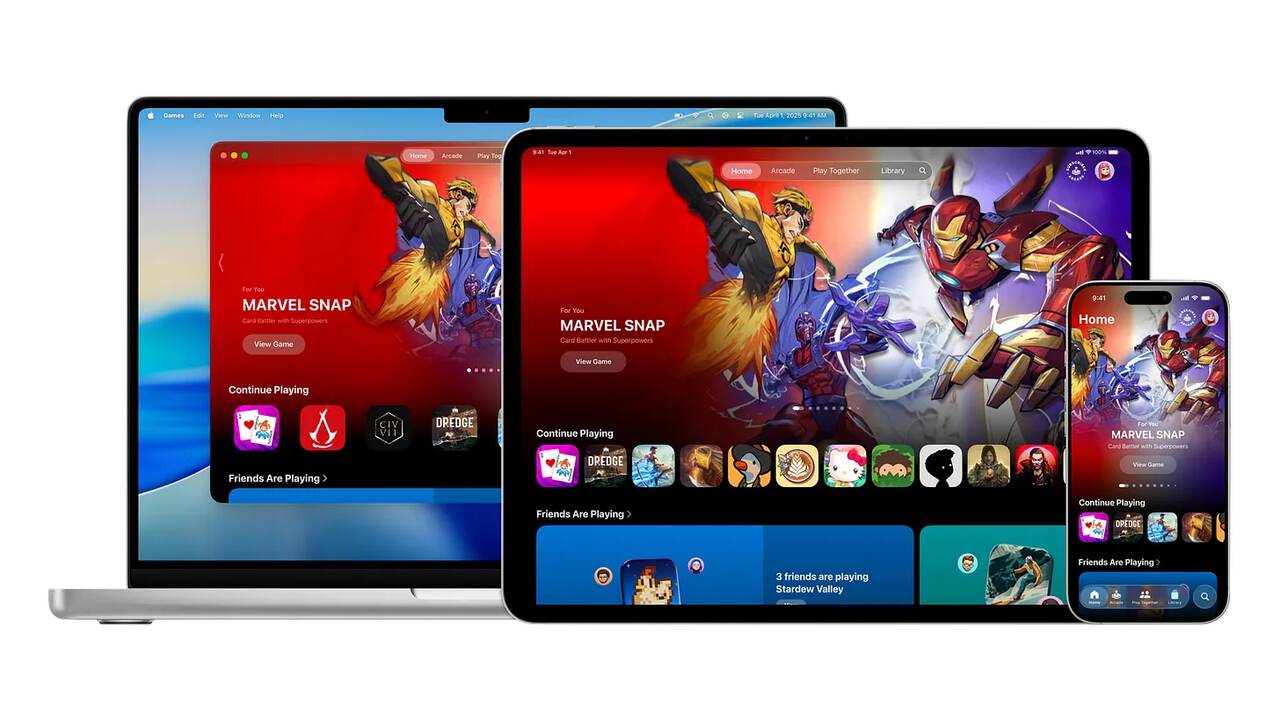
Today's games have become so much more intelligent and user-friendly for any Apple user. Basically, play on its Games with the Game Center on one device, then pass from one device to the other to play that same game on the other device. Such kinds of gaming are called Cross-Device Play and Cloud Saves. Let me explain to you:
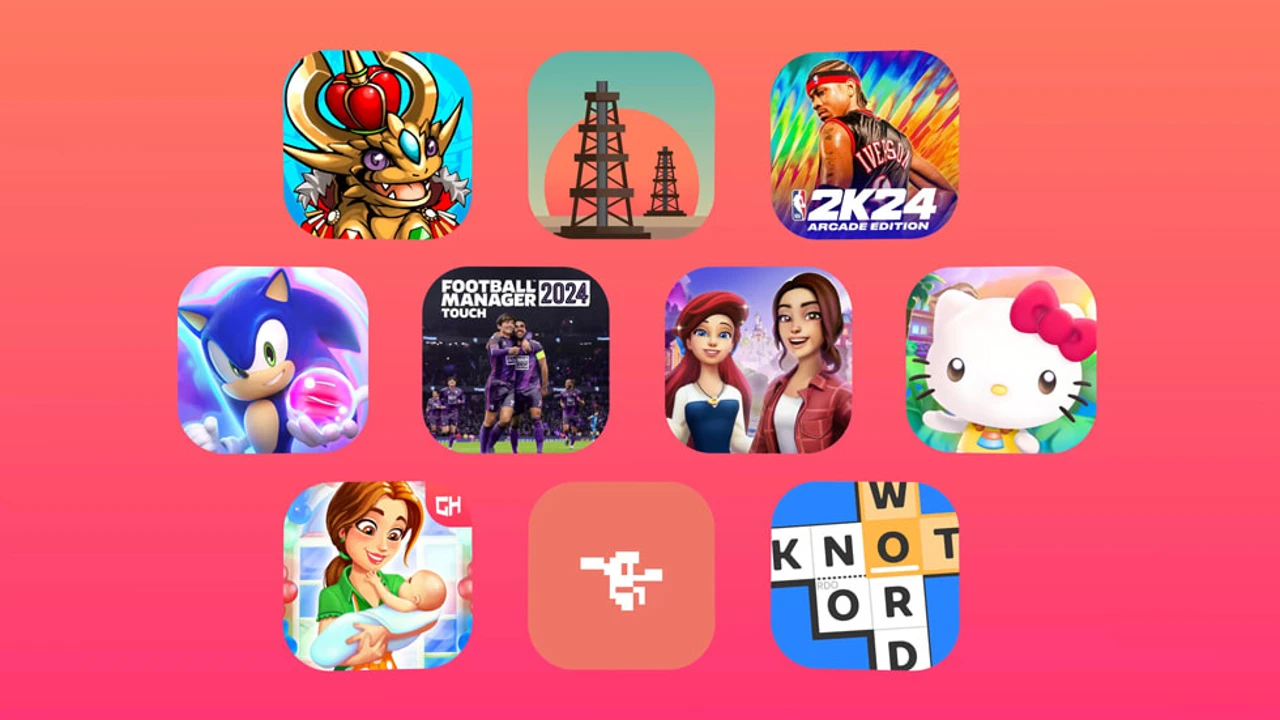
What the heck is Apple Games and Game Center?
The games run on iPhone, iPad, Mac, and TV through these Games, while Game Center offers a lot in terms of its gaming service, which adds some save-games, acknowledgments of achievements, leaderboards, and multiplayer game features.
How to Enable Game Center
1. Launch your Settings app on either your iPhone or iPad.
2. Scroll down to Game Center, and tap on it.
3. Turn ON the toggle for Game Center.
4. Login with your ID.
Everything Else Is Automatically Backed Up.
What Cross-Device Play Means
It starts with the iPhone:
Then bounces to the iPad or Mac
Then back to the save point
Game Center allows you to keep all your game info stored in iCloud.
Requirements For Installment:
* Use the same id across all your devices.
* Activate Game Center and also iCloud.
* Game should be Game Center compatible.
Cloud Saves
Most probably, Cloud Save would be ON by default, but here's how to check:
1. Proceed to Settings > ID > iCloud.
2. Check that iCloud Drive is ON.
3. Ensure that the game appears below and toggle it ON.
This backs up the game for levels, coins, scores, etc.
Other Bonuses from Apple Arcade Games
These features are what all the games under Arcade are expected to benefit from:
* Cross-Device Play
* Cloud Saves
* No Ads and No In-app Purchases
Common Problems and Their Solutions
Progress are not saving?
→ Check for internet connection.
Can't sign into the game, it starts new on the other device?
→ Check whether you are signed into the same ID.
Conclusion
Now it is very possible and easy to play across devices or save to the cloud, thanks to Apple Games and Game Center. Everything has been prepared so that you can play any game on any Apple device without losing any progress.
Follow our WhatsApp channel for the latest news and updates
